Microsoft Clarity
Your analytics show that visitors leave. Microsoft Clarity shows you why, with heatmaps and session recordings that reveal where people get stuck. We use it to improve the sites we build and run.
What is Microsoft Clarity?
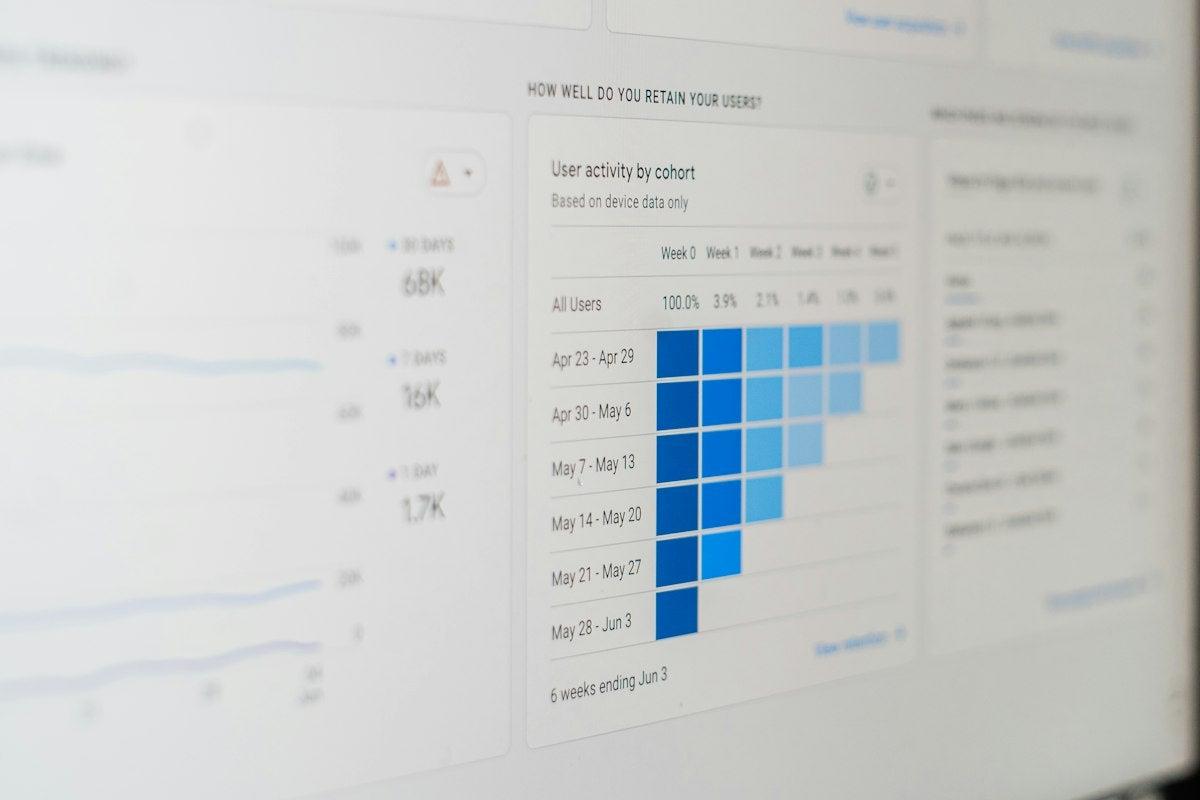
Microsoft Clarity is a free user behaviour analytics tool. Standard analytics count your visitors. Clarity shows how they used each page, with heatmaps of where they clicked and scrolled, and session recordings you can replay like a screen capture of a real visit.
It also flags moments of friction automatically. Rage clicks are repeated, frantic clicks, usually on something that looks clickable but isn't. Dead clicks are clicks that do nothing. Clarity also highlights quick exits, so you see where visitors got frustrated without searching for it.
What Microsoft Clarity is good for
Four ways Clarity explains why visitors leave.
Heatmaps
See where visitors click, tap and scroll on a page, and which parts of the page they never reach.
- Click maps
- Scroll depth
- Area attention

Session recordings
Watch anonymised recordings of real visits. You see a confusing checkout step or a missed call to action exactly as your visitor did.
- Real visitor journeys
- Filter by page or device
- No individual identities shown

Rage & dead click detection
Clarity flags the moments visitors get frustrated, such as clicking something that isn't clickable or clicking repeatedly when nothing happens.
- Automatic flagging
- No manual review needed
- Prioritised by frequency

Scroll & mobile behaviour
Compare how far visitors scroll on mobile and desktop, so your key content and calls to action sit where people look.
- Device comparison
- Scroll depth by page
- Mobile-specific insight
Why GRM Digital uses Microsoft Clarity
We run Clarity alongside standard analytics on the sites we build. When a conversion rate dips or a new page underperforms, we can watch what happened and fix the cause.
Clarity is free with no usage limits, so we can switch it on for any client at no extra cost and leave it running all year. GA4 gives us the numbers and Clarity explains them, which makes it a valuable low-cost addition to any CRO or UX programme.
Clarity masks text inputs and sensitive content by default. That lets us use it across client sites with confidence about data protection.
Feeds a stronger CRO programme
Rage clicks, dead clicks and drop-off points from Clarity turn a hunch into a prioritised test. We feed them straight into conversion rate optimisation work, so every test targets something visitors struggled with.

Strengthens your Data & Analytics reporting
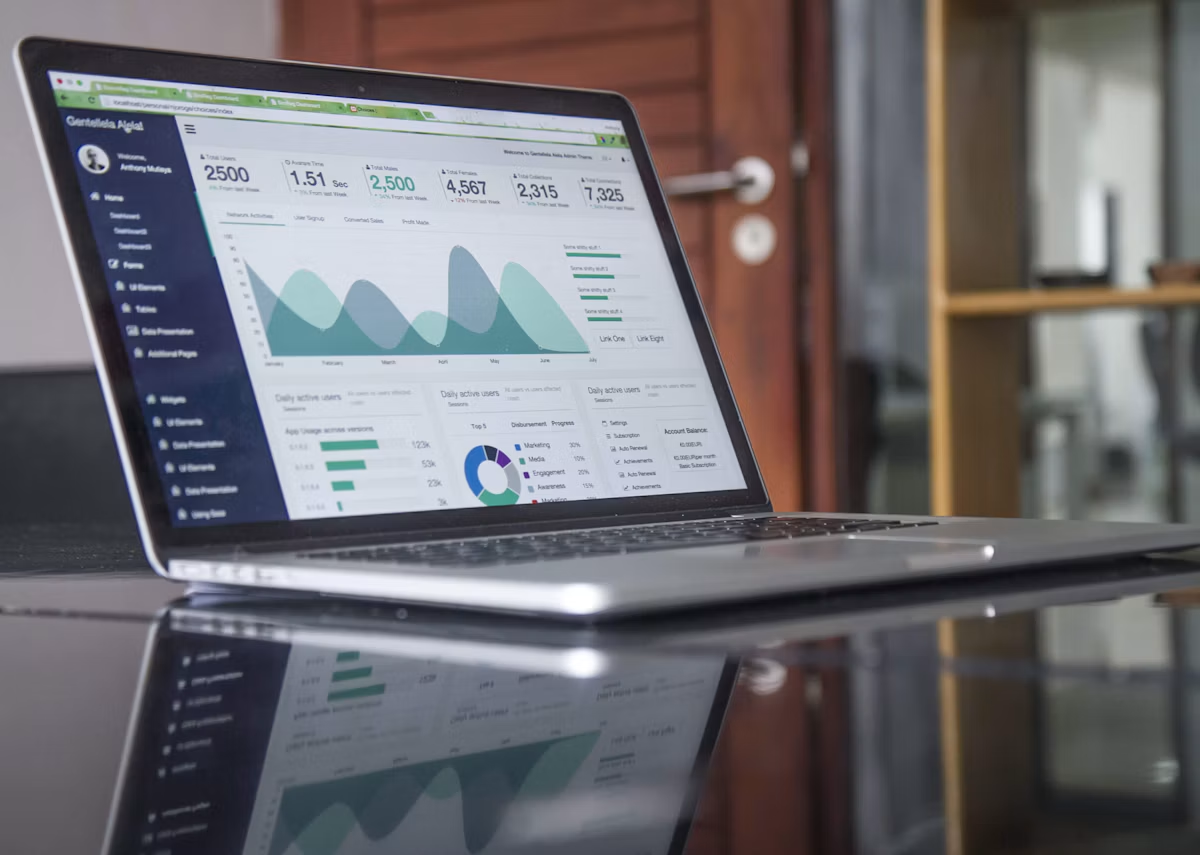
GA4 records what happened and Clarity shows the behaviour behind it. We build both into your reporting, so a dip in conversions arrives with an explanation attached.
Common questions about Microsoft Clarity
What clients ask before we switch Clarity on for their site.
Microsoft Clarity is free, with no visitor caps or paid tiers. Microsoft doesn't charge for it, which makes it an easy addition to any site.
Want to see how your visitors use your site?
We'll set up Microsoft Clarity alongside your existing analytics and show you where visitors get stuck.